Thermostats seem simple enough: they tell your system when to heat or cool. But the way a thermostat acts over the years isn’t always perfect. If it starts to lose calibration, your home may feel too warm one day and too cold the next, which is why thermostat calibration checks are important for both comfort and energy efficiency.
At Heritage Services, we always help homeowners spot these small issues before they turn into bigger problems. So in this blog, we’ll explore why calibration matters, how it affects your HVAC system, and when it’s best to call in a professional.
What Are Thermostat Calibration Checks?
Thermostat calibration checks are basically a way to test whether your thermostat is reading the room temperature accurately. Over the years, thermostats can lose calibration, either because of dust, small bumps, age, or even installation issues. That affects your entire HVAC system and makes it harder to ensure proper temperature control.
For example, if your thermostat says it’s 72°F but your actual room thermometer says 68°F, then your HVAC system is running based on faulty data. This means your heating or cooling system kicks on too early or too late, which affects your comfort and electricity bills.
Thermostat calibration lets you compare your thermostat’s reading to a reliable thermometer, and then tweak it until they match. Some digital thermostats let you adjust the reading in the calibration settings menu. If you have an older manual thermostat, you’ll probably have to use a calibration screw or adjustment lever inside the thermostat cover.
How a Calibration Screw Impacts Accuracy
Inside a mechanical thermostat, there’s a small metal calibration screw near the coil or sensor. This mechanism helps inform the thermostat’s accuracy. As temperature shifts, the coil inside expands and contracts. The calibration screw adjusts how sensitive the thermostat is to those changes. As time passes, the coil can shift or collect dust, which compromises your thermostat’s reading. That leads to the kind of fluctuating temperatures that make you constantly fiddle with the set temperature.
A tiny turn of that scew can bring your system back in line, but you have to do it carefully. It’s especially important to calibrate your thermostat by comparing it to an accurate thermometer placed a few inches away (but not in direct sunlight, near vents, or heat sources).
If your readings are off by a few degrees, use a soft brush or a vacuum cleaner with a brush attachment to clean inside the thermostat gently. You can also use a little electrical contact cleaner if there’s corrosion or sticky buildup. Then, using the owner’s manual or thermostat manual, adjust the screw lightly and recheck the temperature.
Why Calibration Matters for Your HVAC System
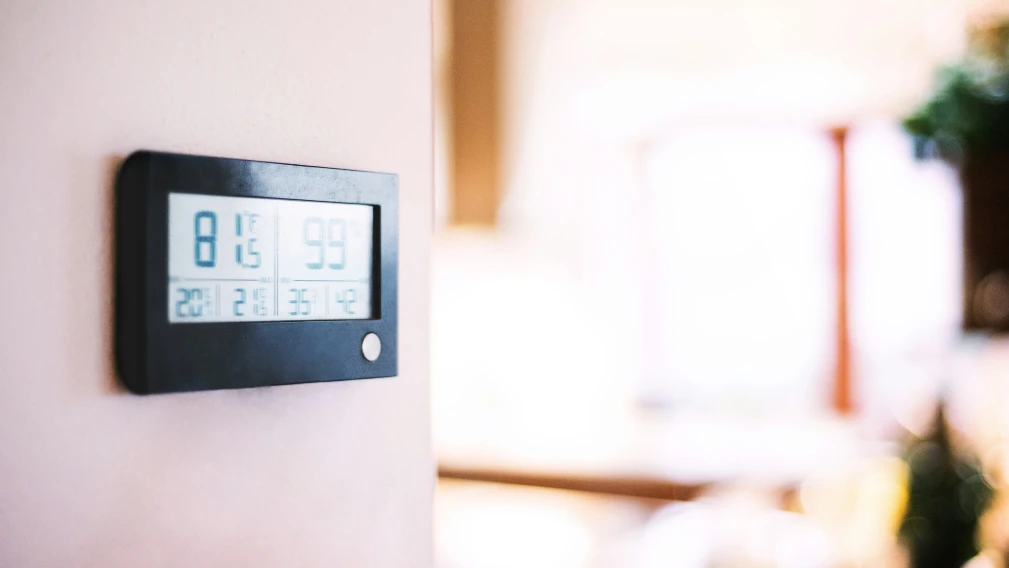
For your HVAC system to work as efficiently as possible, your thermostat has to be in sync with your home’s actual temperature. Otherwise, your system is constantly being told the wrong thing, and it tries to fix a problem that isn’t really there.
It Keeps Your Comfort Level Steady
A properly calibrated thermostat knows when to turn the heating and cooling system on and off. Without that, you end up with erratic cooling cycles, uncomfortable rooms, and the thermostat constantly clicking on and off.
It Protects Your HVAC System from Overuse
If your thermostat isn’t functioning correctly, your HVAC unit works overtime. It might start and stop too much, or it might run for hours when it doesn’t need to. That kind of strain shortens the life of your system and leads to breakdowns, especially during extreme weather.
It Cuts Down on Energy Costs
An improperly calibrated thermostat can cause you to run your heat or air conditioning way more than necessary. And when that happens, your energy costs quietly climb month after month. A few degrees off doesn’t sound like a big deal, but it can add up over time.
When and How to Calibrate Your Thermostat
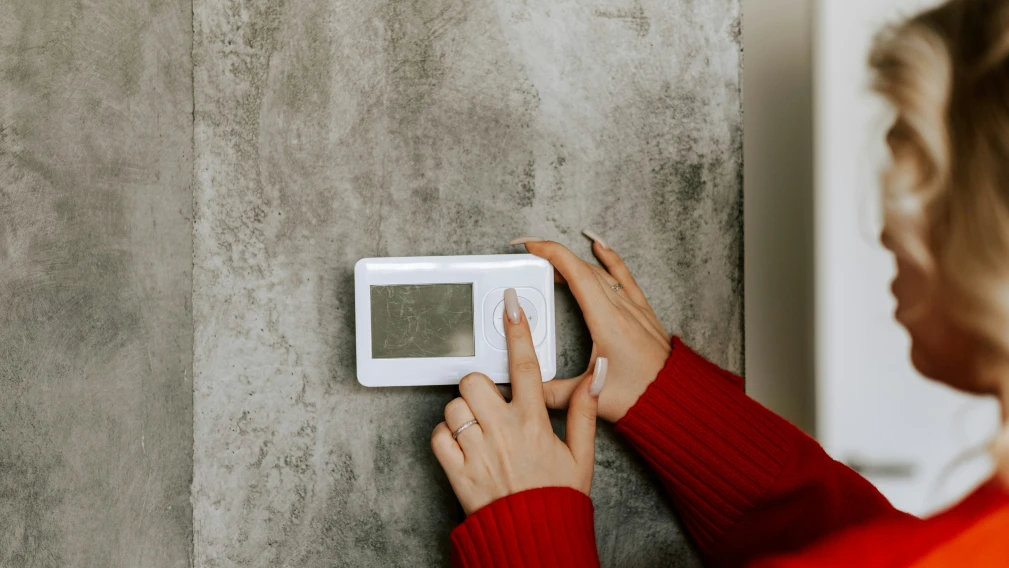
You need a calibration check if:
- Your home never feels like it matches the set temperature
- You notice sudden spikes in your energy bills
- Your system is cycling on and off too often
- You’ve had recent work done near the thermostat (which might have bumped it)
- It’s been over a year since your last tune-up or thermostat calibration check
To calibrate your thermostat at home, follow these DIY calibration steps:
- Turn off the system so you’re not dealing with airflow during the check.
- Use a reliable thermometer and tape it next to your thermostat. Not touching, just nearby. Additionally, avoid direct sunlight or air vents.
- Let both sit for about 20 minutes to stabilize.
- Compare the readings. If your thermostat’s reading is off by more than 1-2 degrees, that means it’s time to calibrate.
- For manual thermostats, take off the thermostat cover, gently clean inside with a soft brush, and use the adjustment lever or calibration screw to match the correct temperature.
- For a digital thermostat, go into the calibration settings (check your owner’s manual) and use the offset function to line it up with the room thermometer.
When Should You Replace or Calibrate a Thermostat?
There’s a difference between a calibration issue and a failing thermostat. Here’s how to tell what you’re dealing with:
| Calibrate If… | Replace If… |
|---|---|
| Your thermostat is only off by a couple of degreesYour system runs fine, yet you don’t feel completely comfortableYou haven’t done a calibration process in over a yearYou recently dusted or bumped the thermostat | You’ve tried to calibrate your thermostat, but it still reads incorrectly The buttons are unresponsive, or the display flickersIt’s over 10-12 years old and lacks modern featuresYou want to switch to a programmable or smart thermostat for better control |
How Thermostat Issues Can Cause Higher Energy Bills
Let’s say your thermostat is off by just 3 degrees. That tiny misreading can cause your system to run longer (or not long enough) to reach your desired temperature. The end result? Your cooling system or furnace is overworked as it tries to catch up.
You might notice your house feels too warm in summer, even though the AC is running. Or maybe it feels chilly in winter, but the furnace has already shut off. These constant cycles waste energy, overwork your HVAC unit, and raise your energy bills without any warning signs.
A quick thermostat calibration can stop these issues and bring your home (and your budget) back to normal.
When to Call an HVAC Technician
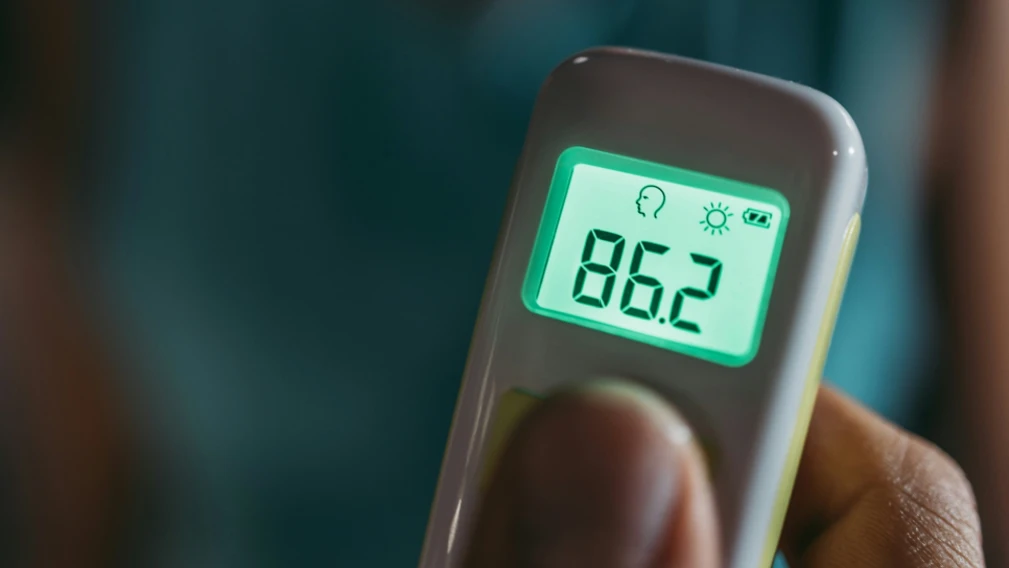
Sometimes, calling an HVAC professional is the best move, especially if:
- You’ve tried everything, and the thermostat still won’t calibrate correctly
- You’re uncomfortable removing the thermostat cover or dealing with mounting screws
- You suspect wiring issues or sensor damage
- You’re installing a programmable or smart thermostat and want it done right
- Your calibration techniques didn’t fix the thermostat calibration issues
A licensed HVAC technician can test your thermostat with pro tools, clean it, update firmware if needed, and tell you if it’s worth keeping or replacing. They can also inspect your entire HVAC system to make sure nothing else is contributing to the problem.
If you’re a member of Heritage Services’ M Services, you’re already covered for these types of routine checks. It’s a great way to stay ahead of problems and keep everything running the way it should.
Schedule a Manual or Digital Thermostat Calibration Check With OKC’s Most Trusted HVAC Professional
When your thermostat loses accuracy, it takes expertise to bring it back in line. At Heritage Services, we adjust all thermostat models, manual or programmable thermostats, using different calibration techniques that go beyond factory settings. That way, your thermostat properly communicates with your HVAC for optimal performance.
Want year-round protection? The M Services membership gives you two annual tune-ups, a 10% parts discount, and zero overtime fees. Comfort and savings, made easy.
To learn more, get in touch with our team today!